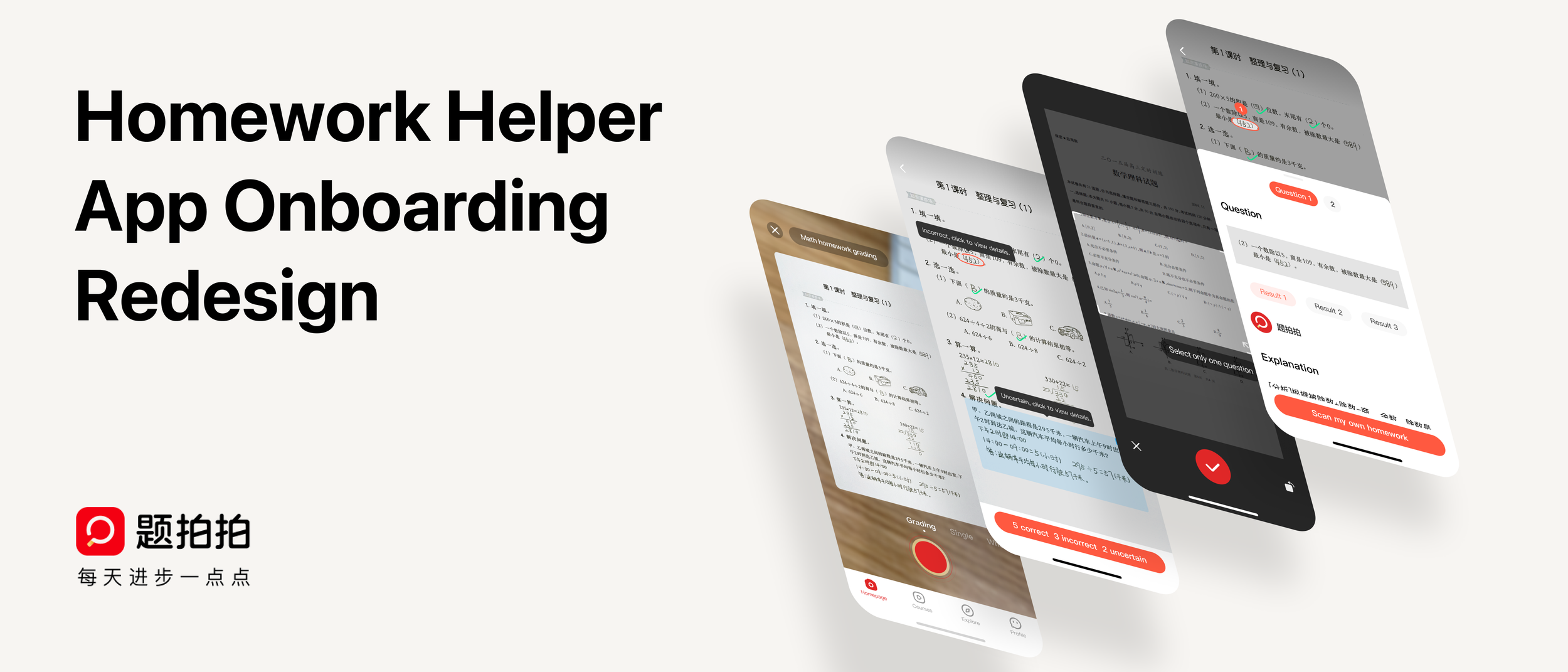
Tipaipai Homework Helper — Onboarding Redesign
Tipaipai is a quiz-scanning app that helps K-12 students photograph their homework and receive step-by-step solutions and explanations. With 20 million+ users, the product had real traction — but a critical problem lurked at the entry point.
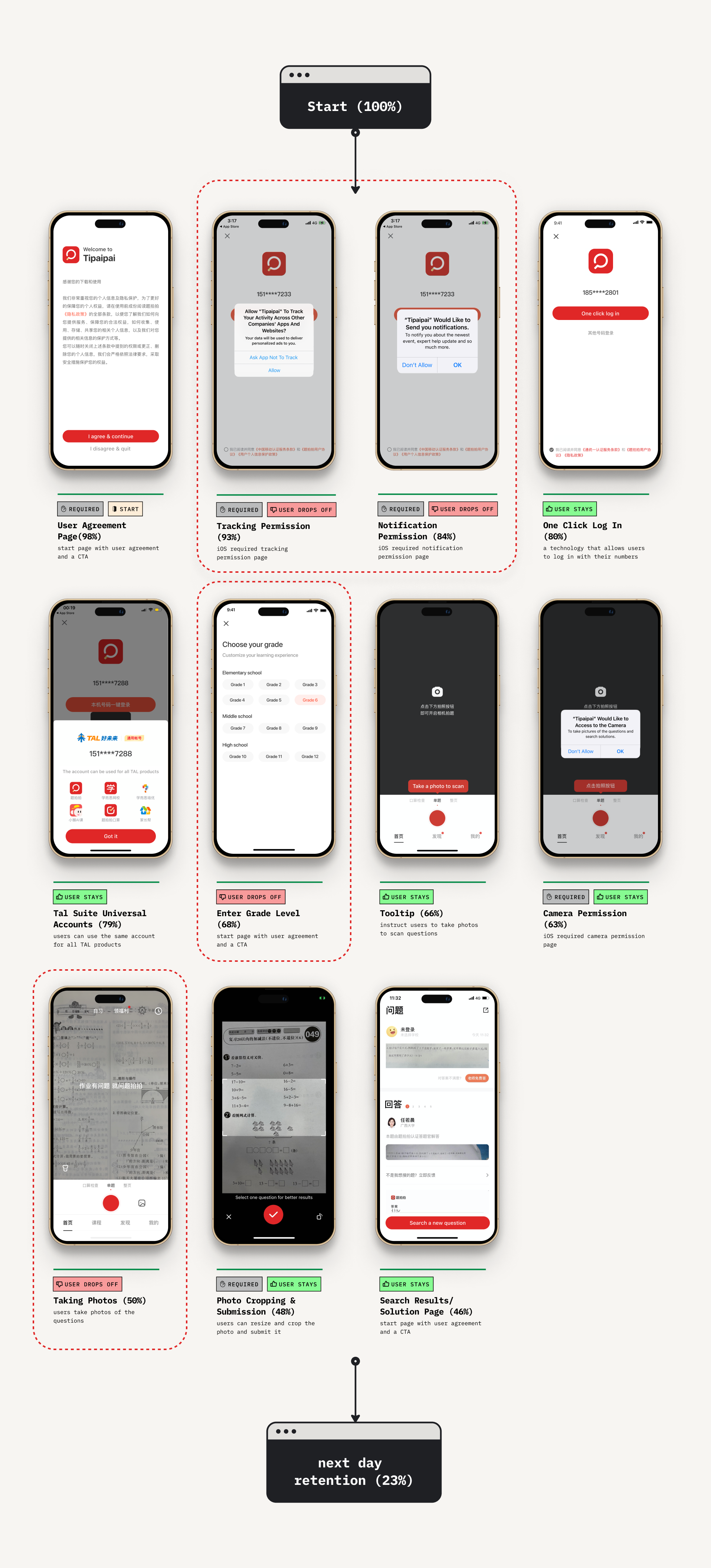
77% of new users didn't return after day one. Despite a compelling core product, the onboarding experience was leaking almost everyone who walked through the door.
I led a research-driven redesign of the full onboarding flow — from funnel analysis and user interviews through design iterations and usability testing — ultimately shipping a new experience that more than doubled retention.
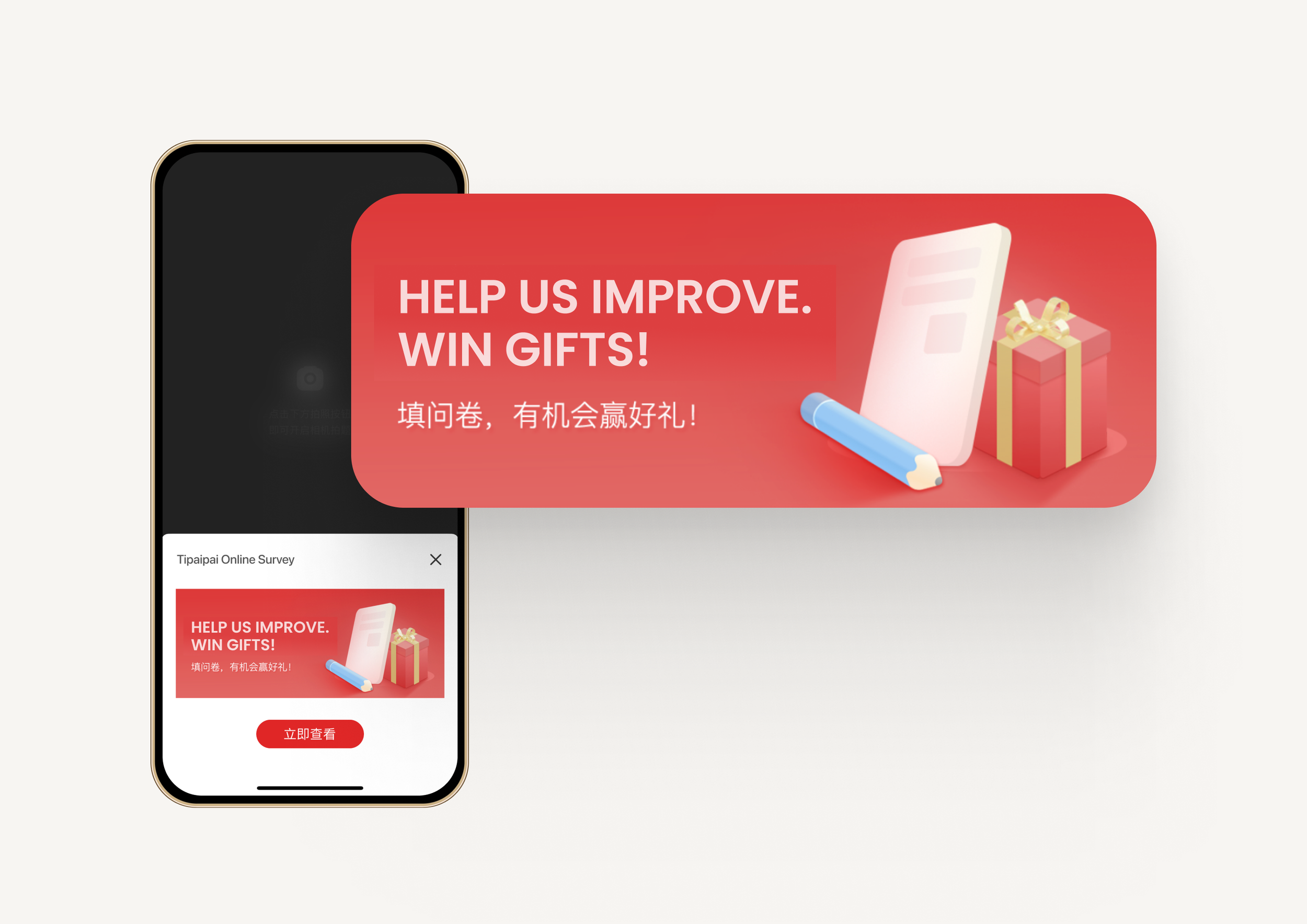
I designed and deployed a pop-up survey banner to understand why users were downloading but not converting. The majority had come through ads or app store browsing — not because they had homework in front of them. The product needed to meet explorers where they are, not just where we assumed they'd be.
.png)
Interviews with users who hadn't returned within a month surfaced frustration with the core scanning experience. Usability testing with six students revealed specific pain points:
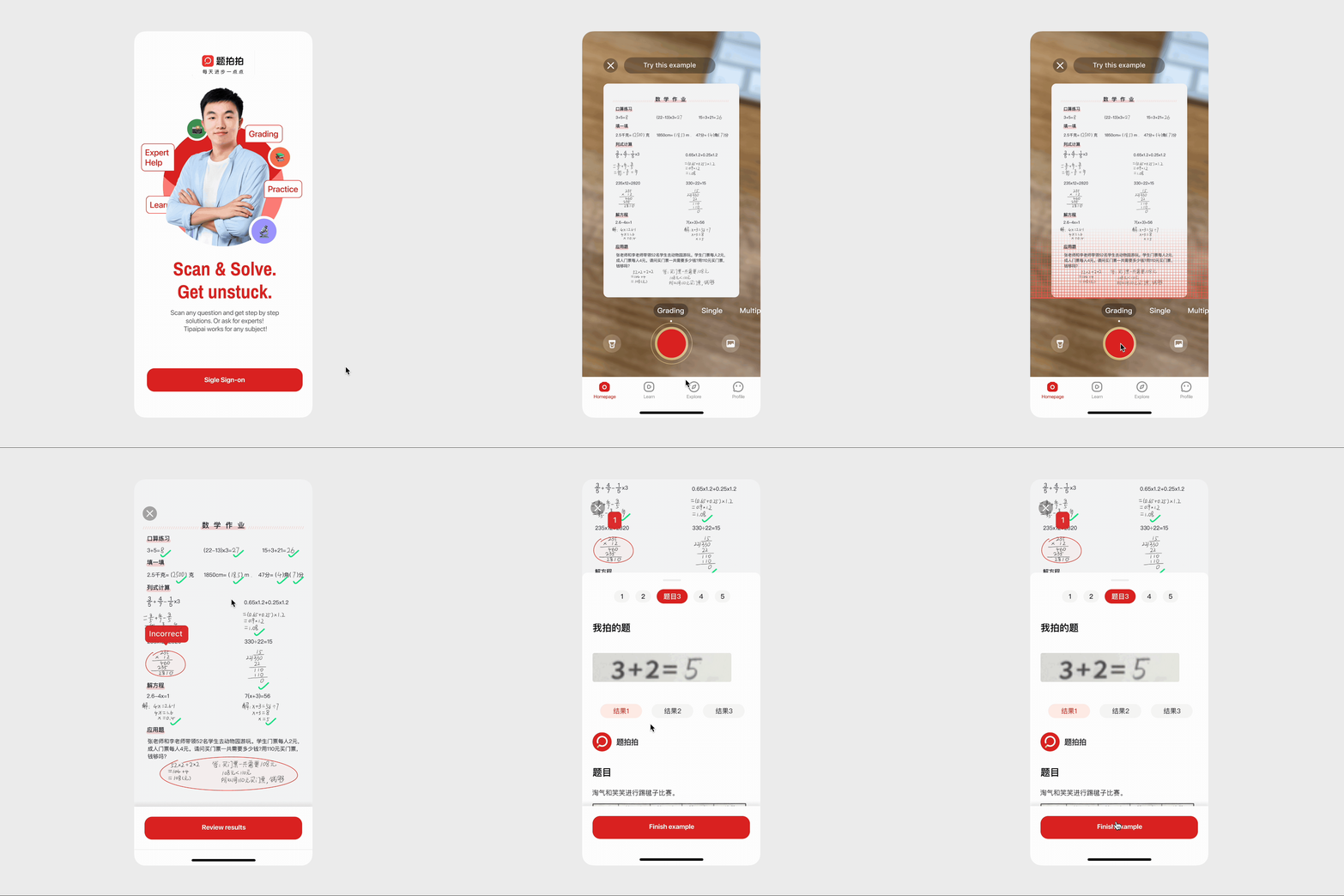
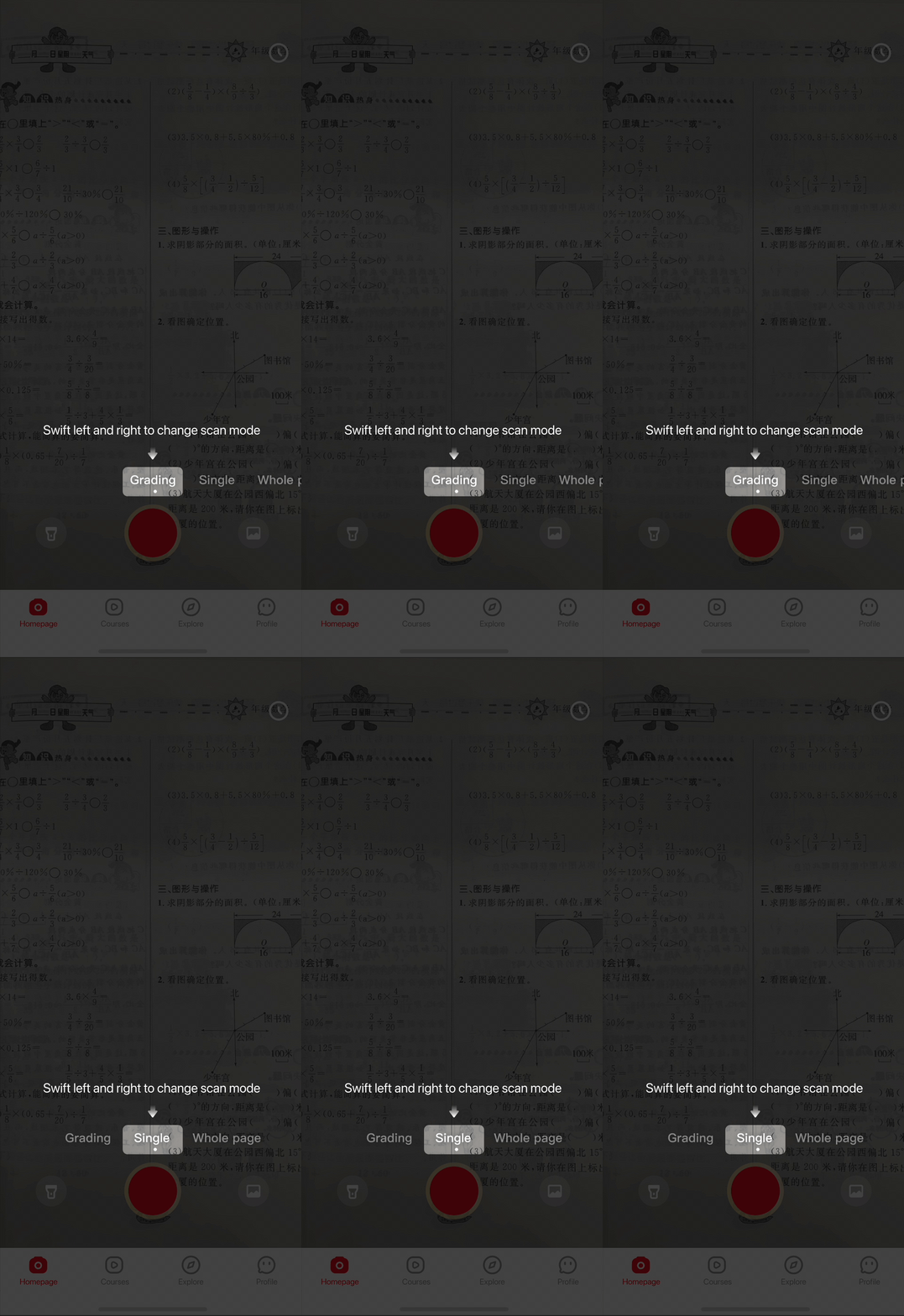
Instead of hitting explorers with a blank "take a photo" screen, the redesign opens with a guided demo of the homework grading feature. Users can try out the scanning experience with a pre-loaded example — understanding exactly how the product works and why it's valuable, before they ever upload their own work.
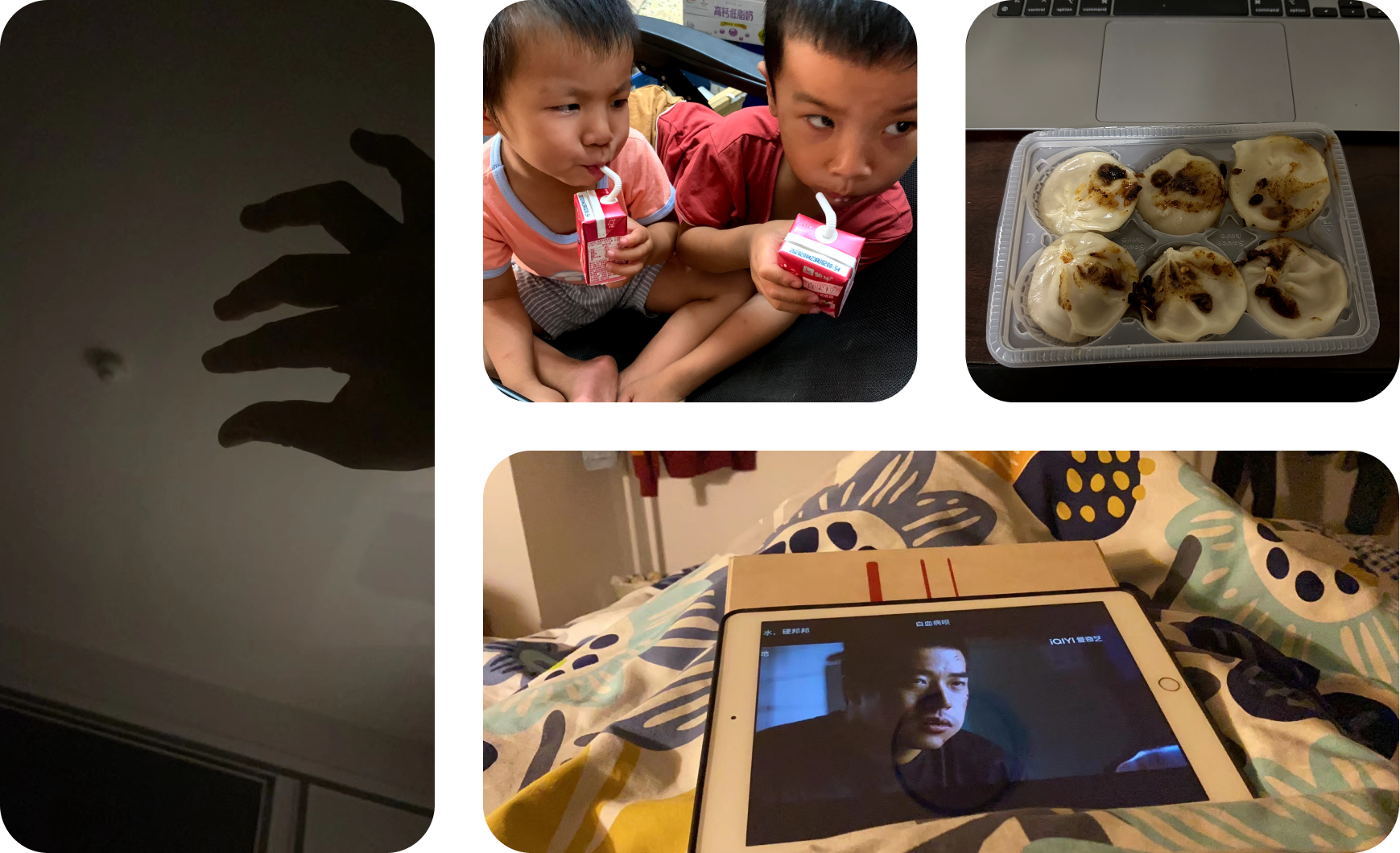
Refined through playtesting with real students (including my nephews)
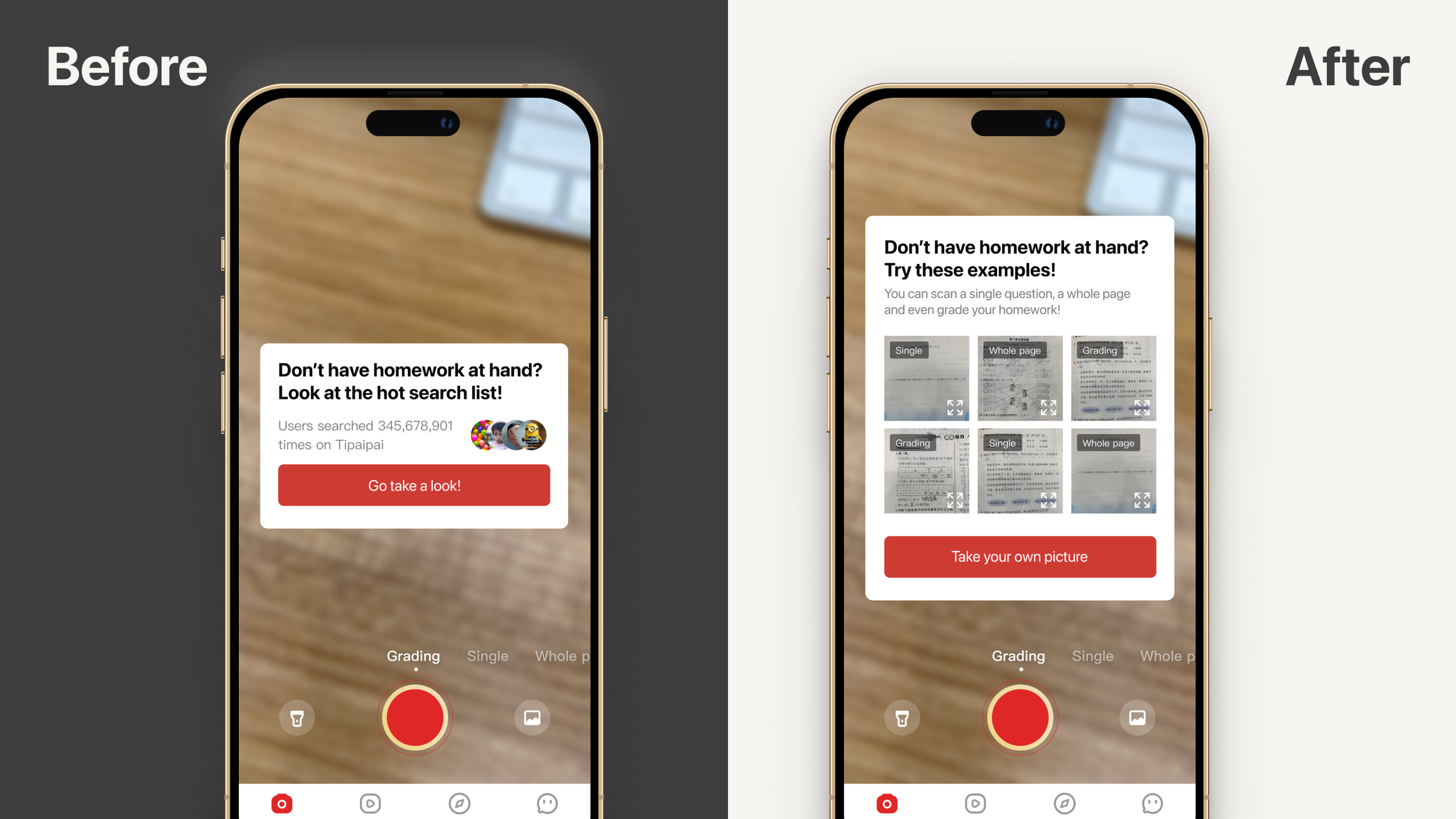
Initial design featured a hot search list and demo list. Testing revealed confusion about the hot search list's purpose — it felt like a trending feed, not a homework tool. Pivoted to sample homework cards.
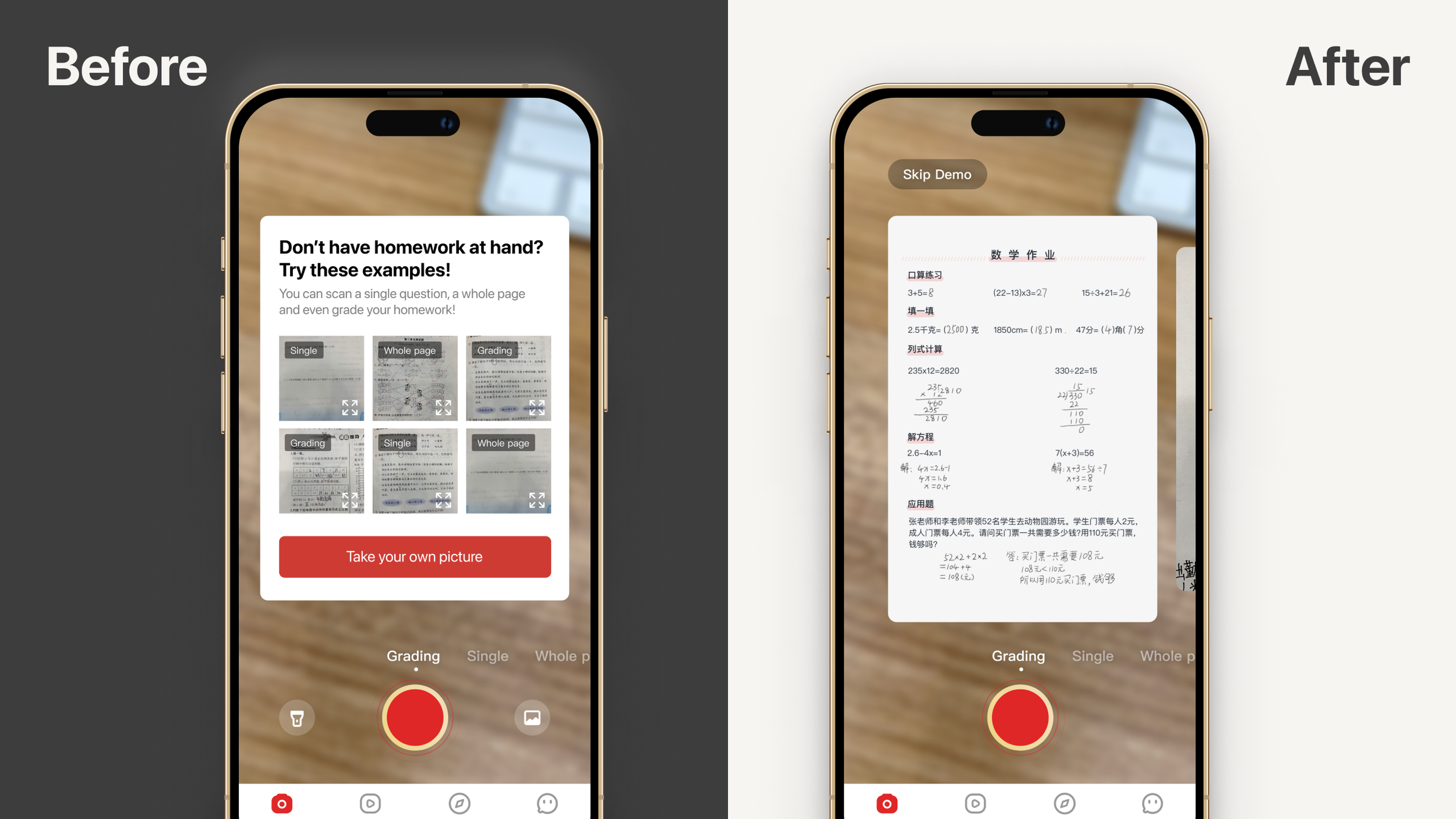
The demo list offered multiple samples and modes, but participants froze and paused for extended periods. Reduced to a single swipeable sample per mode, eliminating the extra choice layer.
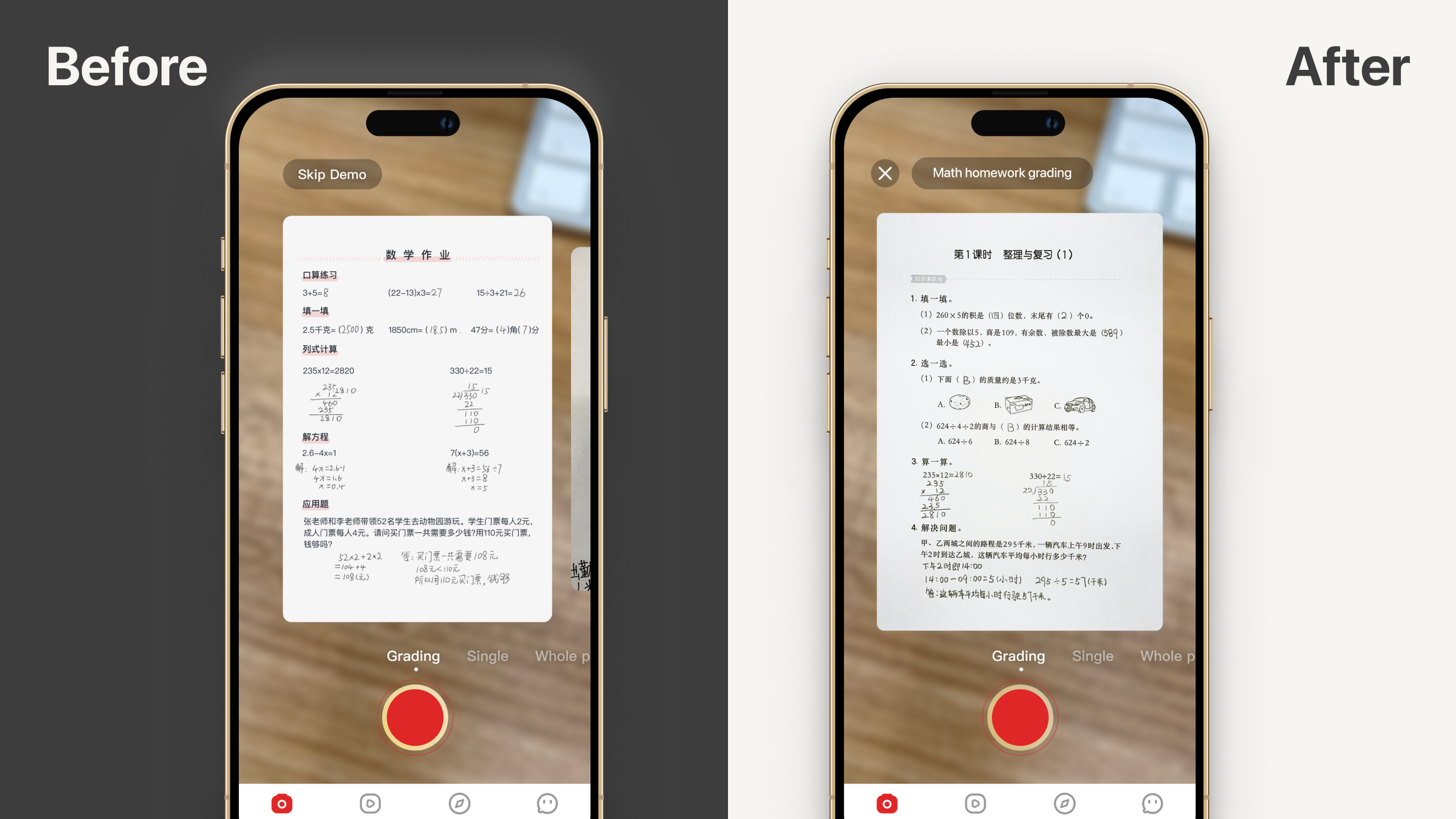
The swipe gesture to change modes was invisible to most users. Streamlined to one sample per mode with mode-specific titles — making each mode's value legible at a glance.
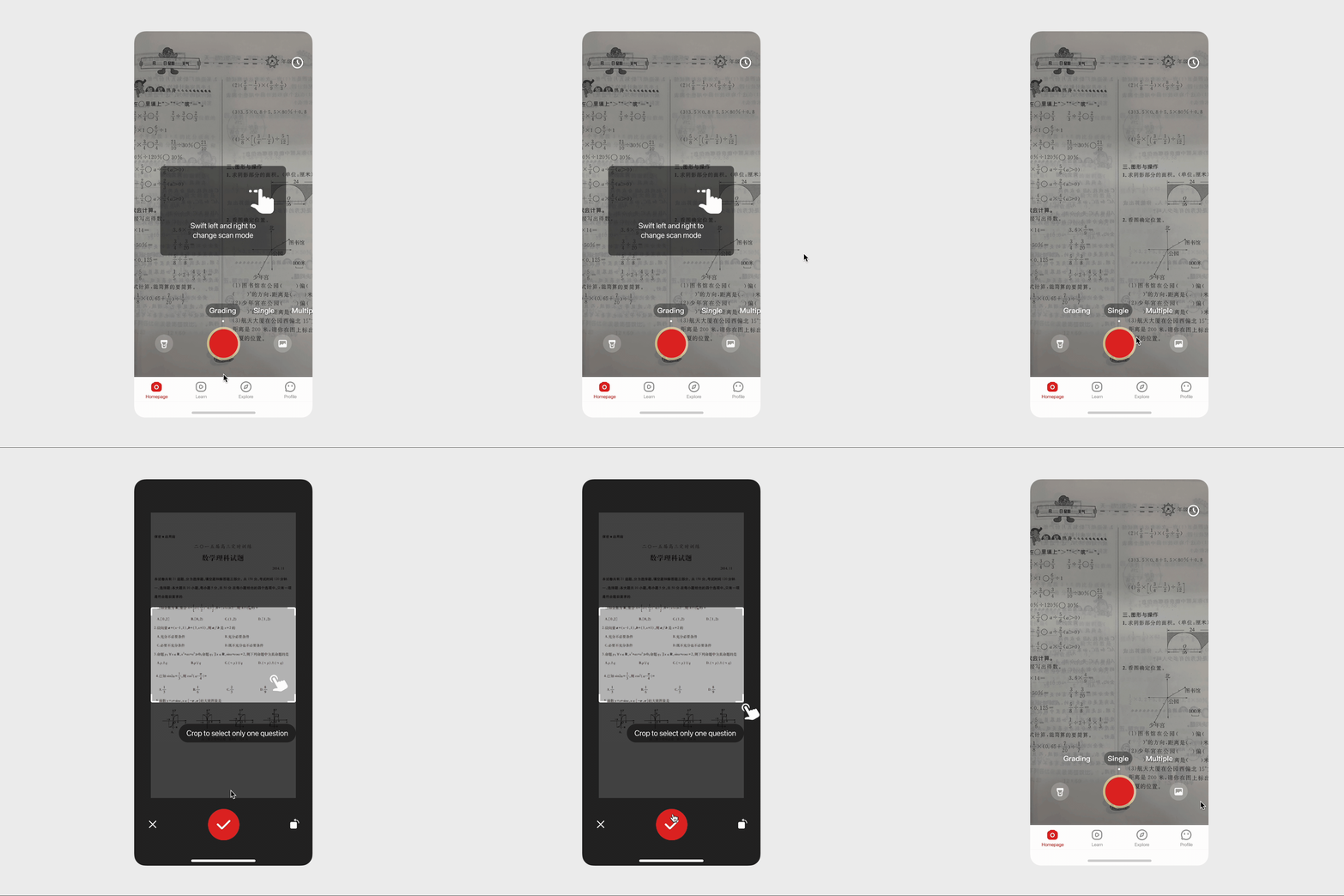
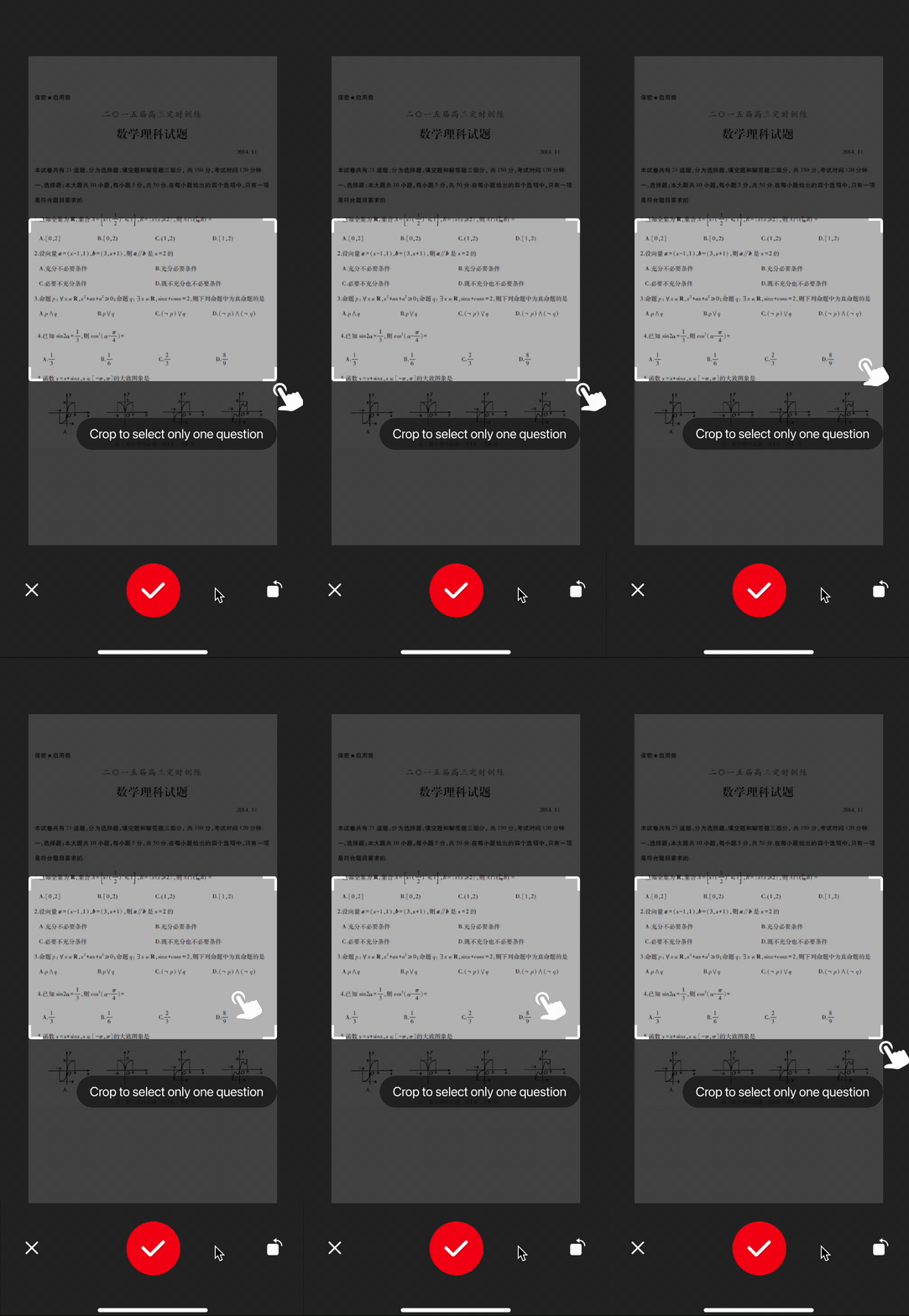
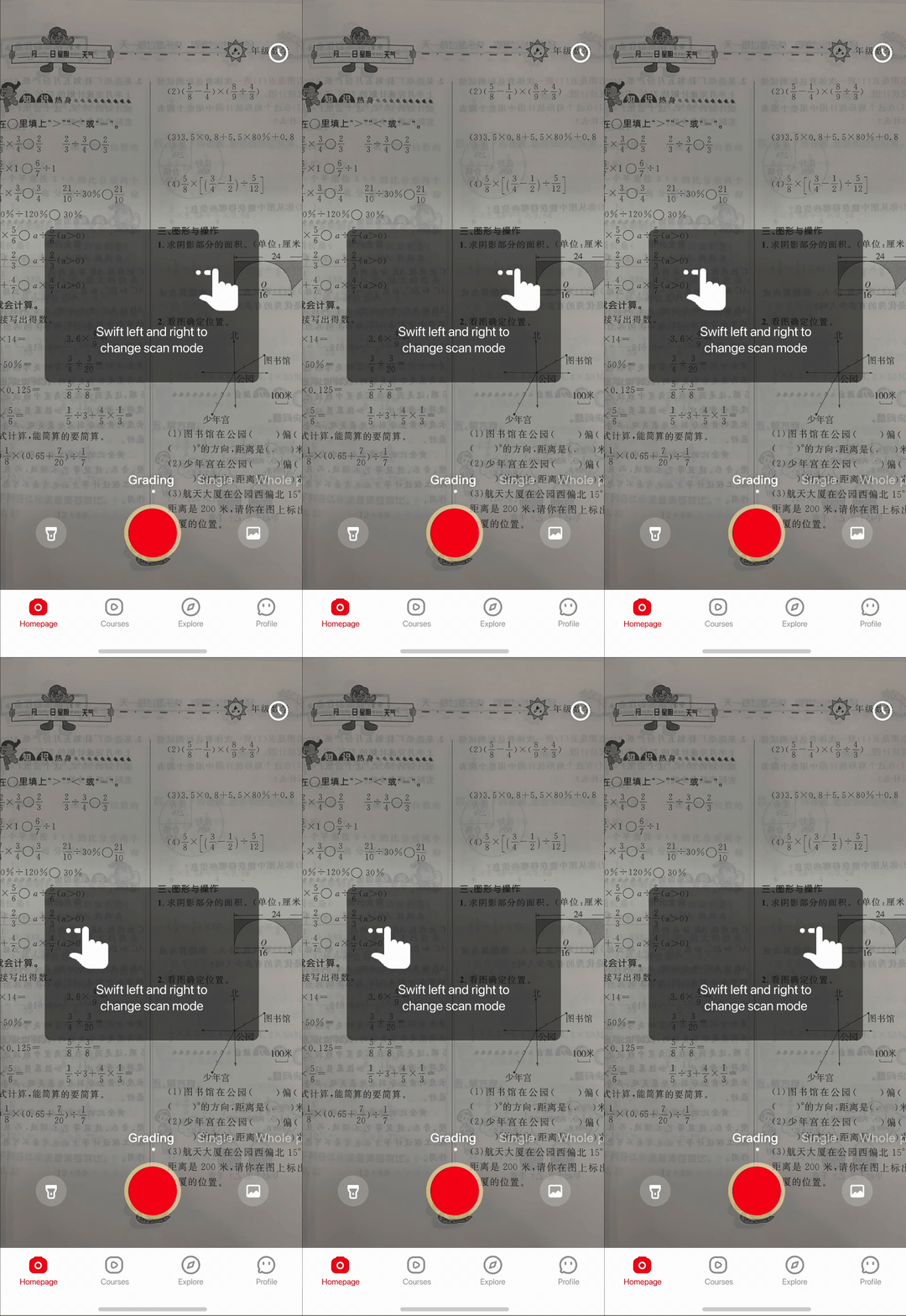
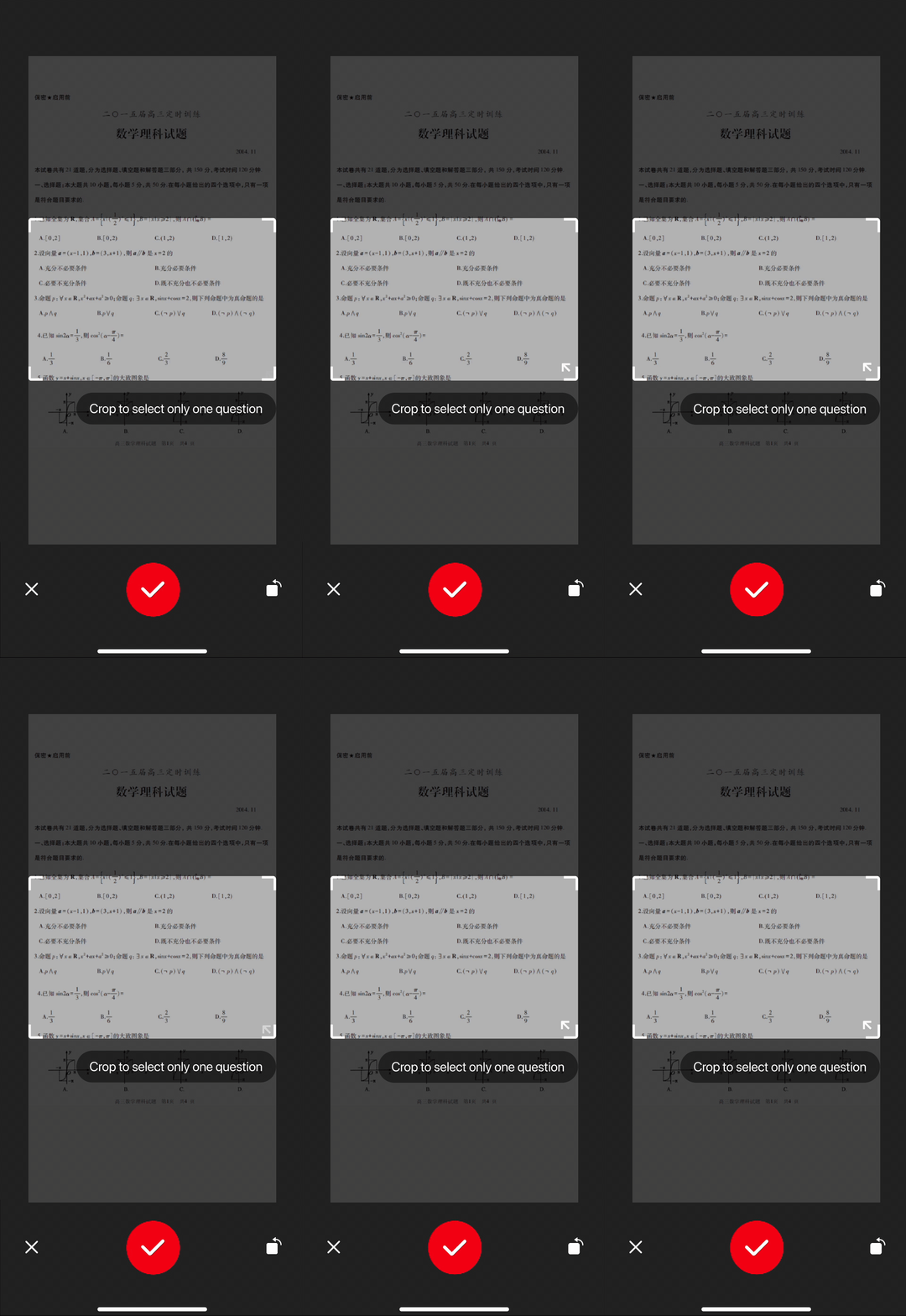
Each walkthrough is a one-time dismissible modal that appears in the exact context where the feature is first encountered — not as an onboarding lecture. The cropping guide appears when users first crop a photo; the mode-switching guide appears on the search screen. Learning happens in the flow, not before it.
Two visual directions were explored for the walkthrough animations:
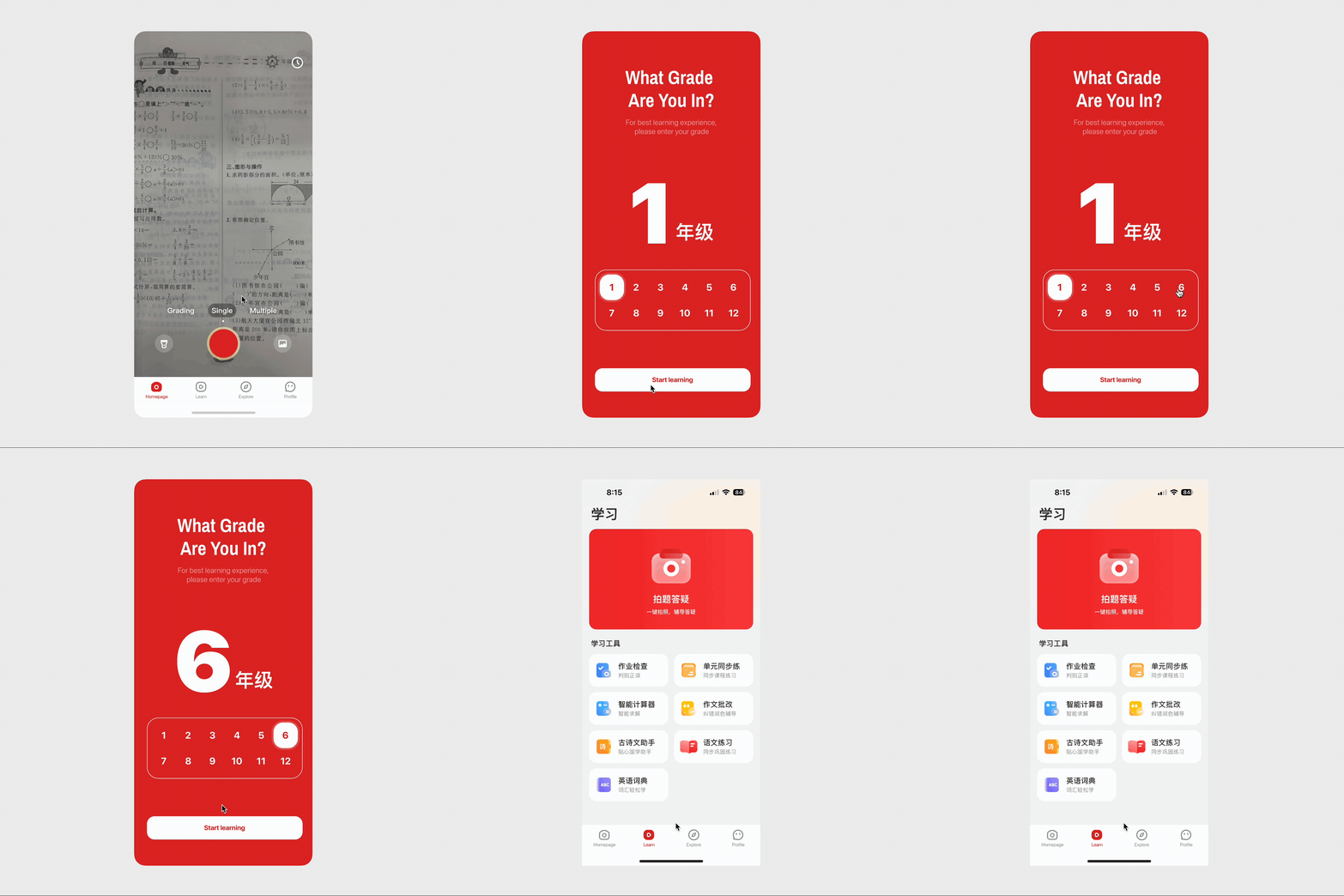
Instead of front-loading the flow with grade level and notification permission requests, we moved them to the moment of natural relevance. Grade level is now requested when users first arrive at the Explore page — where personalized content is immediately visible — making the request feel helpful rather than intrusive. The 11% drop-off at that screen was eliminated.

User interest diminishes rapidly. You have a narrow window to communicate your product's value. The first screen isn't a formality — it's the product's only chance to give users a reason to come back. Every friction point before that moment is a leak.
Don't wait for perfect conditions to test. My nephews — informal, un-recruited — gave me the most actionable iteration feedback I received. Early-stage testing with imperfect participants beats waiting for the "right" setup every time.
Embrace iteration and stay unattached. Each of the three demo iterations looked like the right answer in the moment. Staying curious enough to test and honest enough to abandon ideas that aren't working is where the real design leverage lives.